PySide Demo Documentation
Welcome to the PySide Demo documentation. This project demonstrates an offline-first GUI application with PostgreSQL synchronization using PySide6.
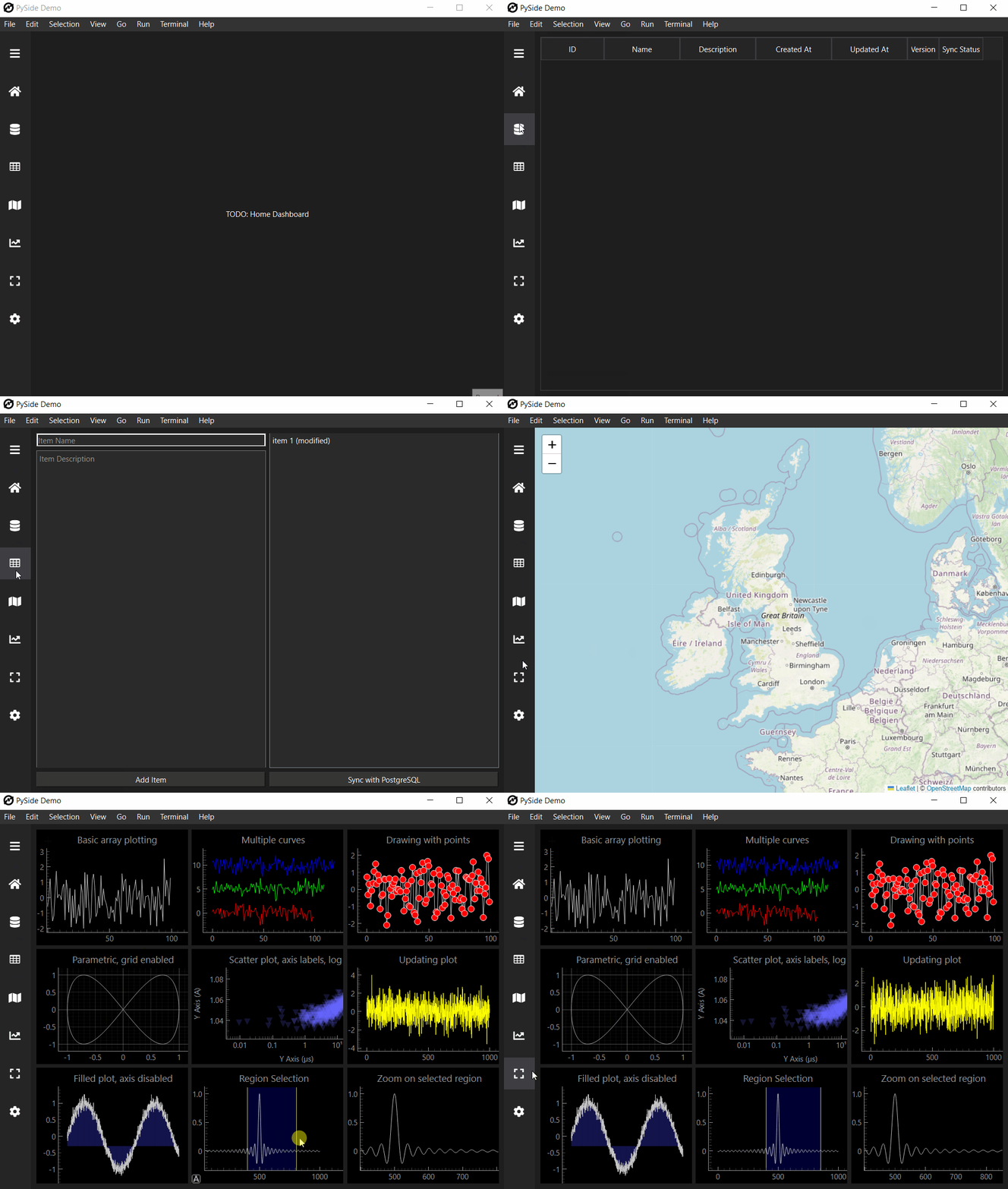
Introduction
PySide Demo is a Python application that showcases how to build a robust, offline-first GUI application using PySide6 with PostgreSQL synchronization capabilities.
Quick Start
To get started with PySide Demo, follow these steps:
Clone the repository
git clone https://github.com/deltodon/pyside-demo.git

cd pyside-demo
Install the project using Poetry:
poetry installRun the application:
poetry run python -m pyside_demo
For more detailed instructions, see the Installation and Usage pages.
Features
Offline-first architecture
Local data storage in SQLite
PySide6 based GUI
PostgreSQL synchronization
Interactive Graph visualisation
Interactive Geospatial data visualisation
Custom QSS colour theme
Cross-platform support
Model View Controller structure (MVC)